

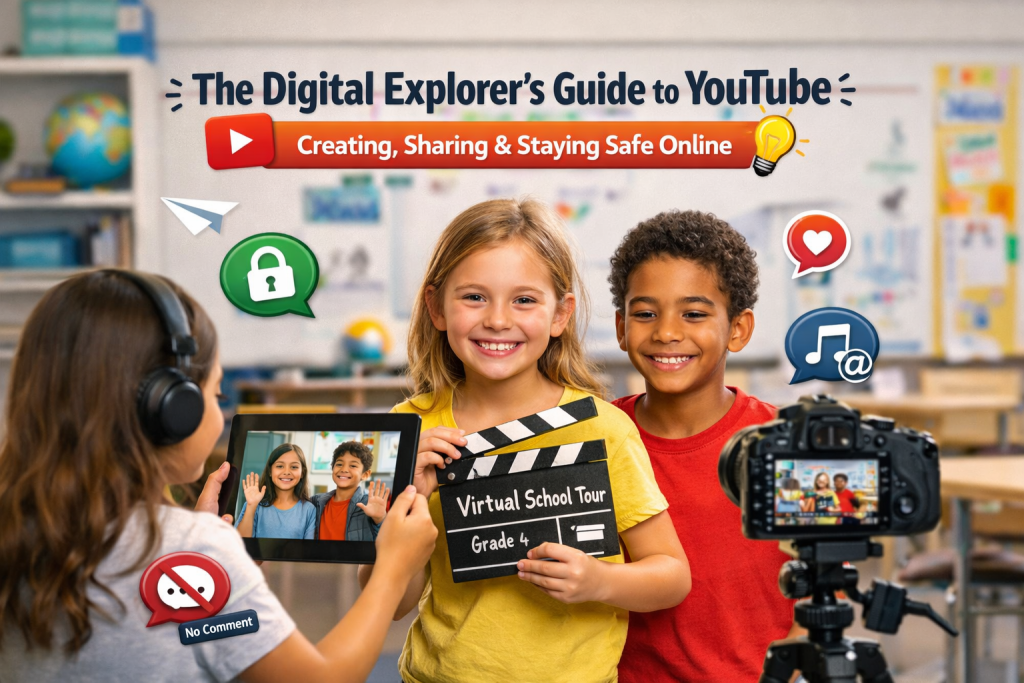
Objective:
Use tablets to film a "Virtual Tour" of our school for new students.
The Process:
- Plan: Use laptops/PCs to write a script.
- Film: Use tablets to record the tour.
- Share: Teacher uploads to our Private Class Playlist.
The Project: The Tablet Tour Guide 📱
Think YouTube is just a distraction? Well, Think again!!!
For a Grade 4 classroom, it is the ultimate tool for leadership and creativity. By using "Unlisted" privacy settings and teacher-controlled accounts, we turn a "risk" into a safe, professional digital playground.
In our multigrade setting, we aren't just watching videos, we are creating them.
Watch: Digital Citizenship in Action
Before we film, we learn. Watch this quick guide on staying smart online:
Understanding The Risks
Privacy: "Everyone in the world" seeing your face
(Solution: Unlisted settings).
Digital Footprint: Things you post stay forever
(Solution: No last names or school badges shown).
Comments: Mean words from strangers
(Solution: Comments Disabled by the teacher).
Copyright: Using music you don't own
(Solution: Only use your own voice or YouTube’s free
library).
Teachers Role
Gatekeeper: I hold the password. I approve every video before it goes online.
Tech Coach: Helping you navigate the tablets and laptops.
Safety Monitor: Ensuring everyone follows the "Digital Promise.
Bridge: Helping Grade 4s lead the younger students in the multigrade setting.
Code of Conduct
I will not film anyone without their permission.
I will not share my full name or address.
I will use the tablets for learning, not for "likes."
I will respect school property (Laptops & Tablets).
Outcomes
By the end of this project, learners will be able to:
- Master Digital Citizenship: Understand and apply the "Digital Promise" to stay safe and private while using online platforms.
- Become Content Creators: Move from being passive viewers to active storytellers by scripting and filming a "Virtual School Tour."
- Navigate Modern Tools: Confidently use school tablets and laptops to complete a professional media project.
- Manage Digital Footprints: Identify and avoid sharing sensitive personal information (like school badges or last names) in public spaces.
- Practice Peer Leadership: (Specifically for your Grade 4s) Lead and mentor younger students in a multigrade setting through their video guides.
Your Feedback Matters!
Before you head out to start your own digital journey, please take a moment to fill out our Happy Sheet feedback form.