

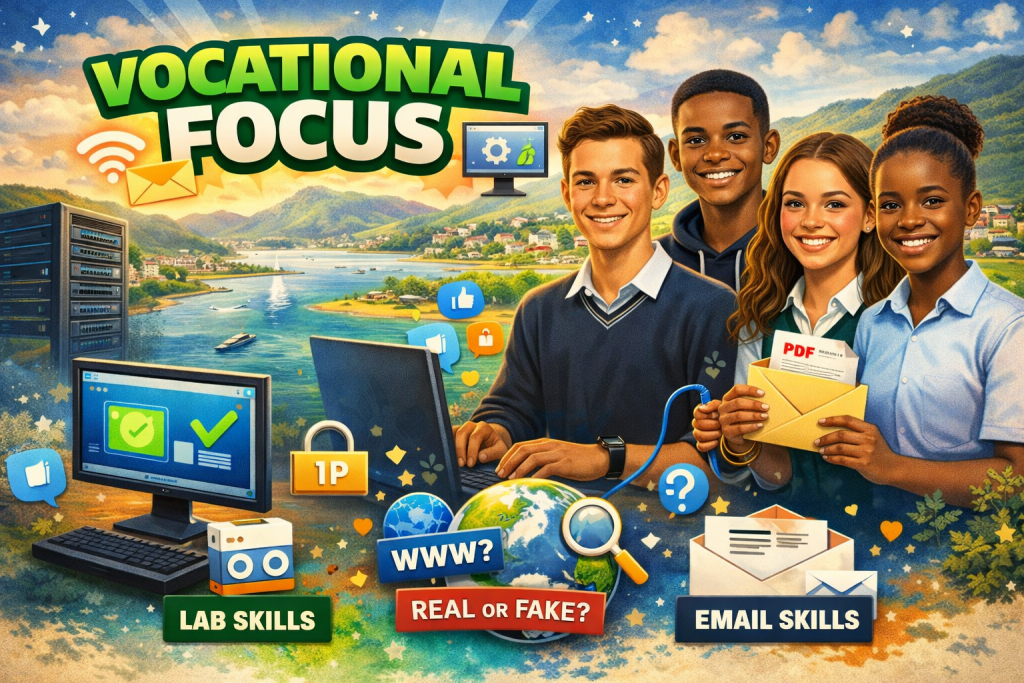
Agenda
- Lab Introduction & Setup
- Internet Skills & Digital Literacy
- Professional Email Writing
Session 1: Lab Introductions
Step 1: Switch on the Learner Station
What learners should be able to do:
- Fix "It's lonely here"
- Understand "Proxy Settings"
- How to access "Public Drive"
Step 2: Log into your learner station
Example:
- Username:
user1 - Password:
09876
You need to check the IP address if the IP address is correct!!!
Example: 10.55.187.125
Session 2: Internet…Friend or Fake?
In this session, Will learn that the internet is powerful, but not everything online is true.
The internet helps me:
- Find information
- Learn new things
- Communicate with others
What I Learned About Searching
What I will learn how to:
- Use specific keywords
- Search smarter, not harder
- Find better results faster
The CRAAP Tested About Searching
- Currency
- Is it recent?
- Relevance
- Is it useful?
- Authority
- Who created it?
- Accuracy
- Is it correct?
- Purpose
- Is it biased or educational?
Session 3: Email…Level Up
What is an Email?
- A message sent electronically
- Basically a digital letter
Your Email should have the following:
- Subject line
- Greeting
- Message
- Attachment (if needed)
- Closing + your name
Activity
You must write a professional email about the festival:
You are a Grade 11 learner in Knysna.
Your English teacher, Mr Koekemoer, is applying for funding to support a school cultural trip to the Knysna Oyster Festival.
To strengthen the application, he needs information about the festival to include as supporting evidence.
You have been given a PDF document about the festival that explains its history and importance.
What should be in the email??
- A clear subject line
- A polite greeting
- A short description of the Knysna Oyster Festival
- A sentence explaining why it is an important cultural event
- Your reason for wanting to attend the festival
- A sentence to say you have attached the PDF document
- A polite closing
- Your name