


Wakelet is a curation tool to manage your resources and share your favourite sites and tools. It is more fun to do it collaboratively, as we aim to create a KILT-wide repository of high-quality, on-the-go resources. To claim your badge, please work your way through the Wakelet criteria below and add your Wakelet profile link to our Communal Teacher Wakelet.
To give you extra incentive to make this your go-to resource app, we are launching our Wakelet challenge to try to find the most innovative Wakelet and use of Wakelet in our KILT schools. Deadline: Last day of term.

The criteria for the Wakelet Badge are as follows:
Please ensure that you can complete all of the items below to qualify for the wakelet badge. If you need assistance, please ask your friendly ITE for support or to do a mini workshop (1-on-1 or school-based session) with you. Below the criteria section, you will find a list of activities to help you achieve the criteria for the Wakelet badge.
You have to be able to:
- Create a Wakelet account and add your profile to our KILT teacher collection. Make sure you add your school, what grades you teach and your subject(s) to your profile. (if you have not done this already)
- Follow some of your colleagues who teach the same grades and subjects as you.
- Install and use the Wakelet browser extension on your computer (Chrome) and pin it at the top.
- Install the Wakelet app on your mobile devices and sign in with your username and password.
- Add the following resource to your Wakelet using your mobile device:
- bit.ly/goingdieper (How?)
- Chuck it in your wakelet! Watch video and practice
- Add the following resource to your Wakelet using your mobile device:
- Explore and follow good subject-related resource collections.
- Search for good subject-related resources.
- Create at least 6 collections of resources for your subject/ grade/topic/Class
- Follow our Klearning Wakelet account (wakelet.com/@klearning)
- Make a copy of our KILT-Edunova spaces as a collection in your Wakelet and follow all our spaces and places!
- Make your collections public by publishing them. (Otherwise, nobody can see it.)
- Organise your Wakelet resources space (collections, add visuals)
- Add at least one resource to our collaborative Wakelet resource collection and join the collection.
- Add your Profile to our teacher collection and follow one another (especially the teacher teaching the same grade and subjects as you!).
- Complete the Wakelet certification and add your certificate to your teacher G-folder
- Create an assignment for your learners using Wakelet and let them submit their assignment using Wakelet (project work-term 3).
What is Wakelet?
- Wakelet is essentially a bookmarking (curation) tool that helps you to collect, organise and share resources. You never have to lose a good resource again!
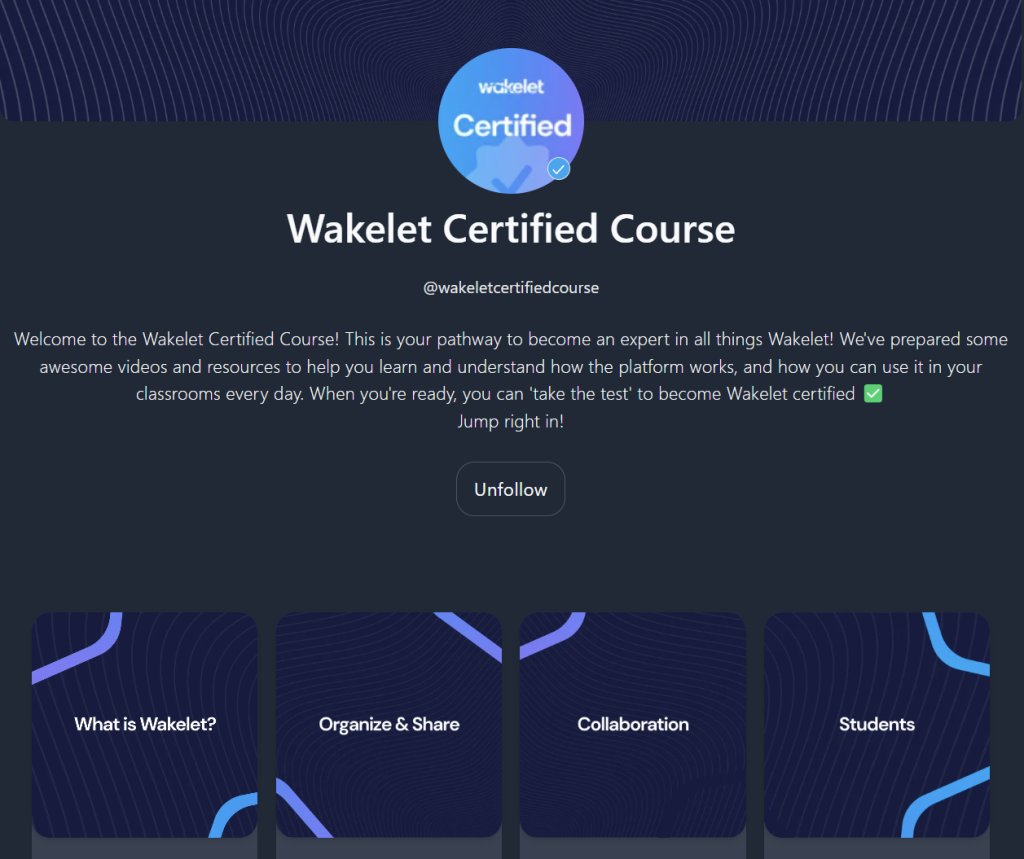
Get Wakelet certified.
Work through the Wakelet course and get Wakelet certified! https://wakelet.com/@wakeletcertifiedcourse.
Upload your certificate to your teacher's GDrive folder.
Wakelet challenge
- Make sure that you have ticked all the Wakelet badge boxes (have completed all the criteria)
- Organised your Wakelet into a logical portfolio of resources and evidence
- Make sure it looks inviting! (Pictures, headers, videos etc)
- Some Ideas:
- Add your learner portfolios - Let them submit their projects using Wakelet!
- Create your lesson plans in Wakelet!
Check that your profile is included here:
Copy Embed Code
Add your wakelet profile and follow each other’s profiles
Your name:
Your school:
Grades you teach:
Subjects you teach:
Wakelet profile link:
eg mine is https://wakelet.com/@klearning
Your name: Jessica Sutcliffe
Your school: Fraaisig
Grades you teach: Foundation Phase
Subjects you teach: All
Wakelet profile link: https://wakelet.com/@JessicaSutcliffe16023
Name: Dereticha Coetzee
School: Hornlee Primary
Grades: 4
Subjects: Maths, Geography, History, NST, Creative Arts
Wakelet profile:https://wakelet.com/@DeretishaPietersen69311
Name :Xolelwa Malkoko
School: Chris Nissen Primary
Grade : 4,6 & 7
Subjects: English, Creative Arts ,Life Orientation and PSW
Wakelet profile :https://wakelet.com/@XolelwaMalkoko56114
Name: Chelsea Gallant
School: Concordia Primary
Grade: 4
Subjects: ALL
Wakelet profile: https://wakelet.com/@ChelseaGallant
Name: Houston Kock
School: Concordia High School
Grade: 8- 11
Subjects: Maths/ MathLit
Wakelet Profile: https://wakelet.com/@HoustonKock5824