


Kahoot! is an interactive learning platform that allows users to create and participate in quizzes, games, and surveys. It’s commonly used in educational and corporate settings to engage participants in a fun, game-like environment. With Kahoot!, users can create custom quizzes or choose from a vast library of ready-made ones. Players join using a unique game code, answering questions in real-time on their devices, while competing for points based on speed and accuracy.
Make sure that you upload all your Proof of Evidence (POE) to your school (G-drive) folder for us be able to officially award your badge. Ask your ITE for your folder link. Check how many of the following criteria you have already mastered! If you need assistance with any of the criteria, please book a one on one with your ITE or work through the how to tutorials for Kahoot!.

The criteria for the Kahoot! Badge are as follows:
Please make sure that you can do ALL of the items below. If you can't do it, please ask your friendly ITE for support. You have to be able to:
- All basic skills, including:
- Successfully create a quiz with at least 5 questions.
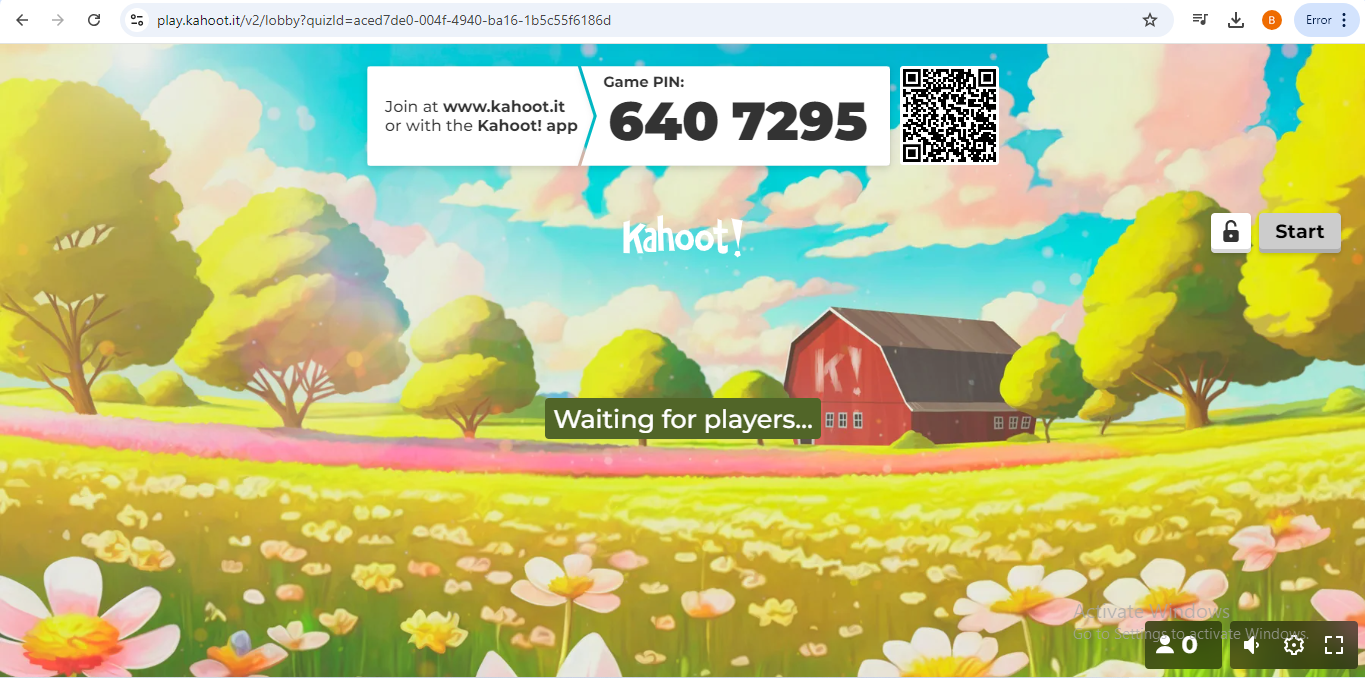
- Host a live Kahoot! game and engage participants.
- Add images or videos to at least two question.
- Ability to share a Kahoot! with others or assign it as a challenge.
- Have you uploaded a lesson or classroom related material into your school G-drive POE folder? Then you are ready to....
Badge Activities

Activity one (ALL)
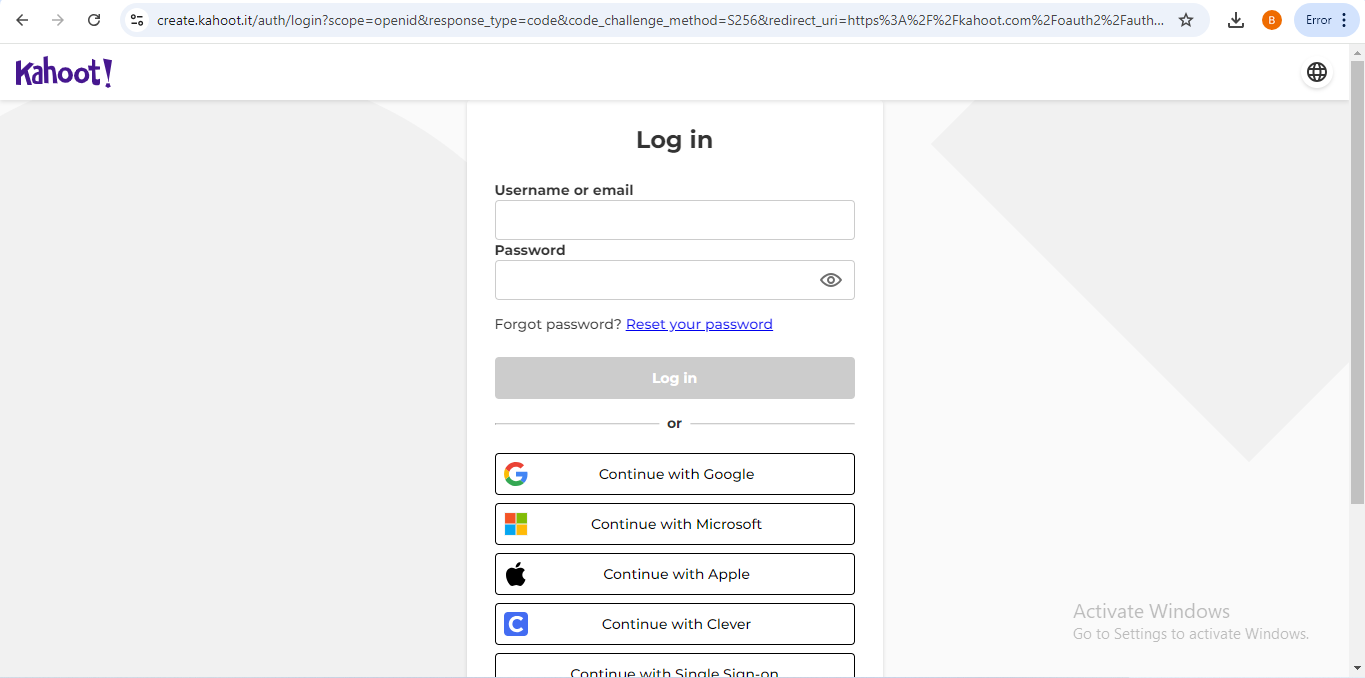
- Register for an account on the Kahoot! platform
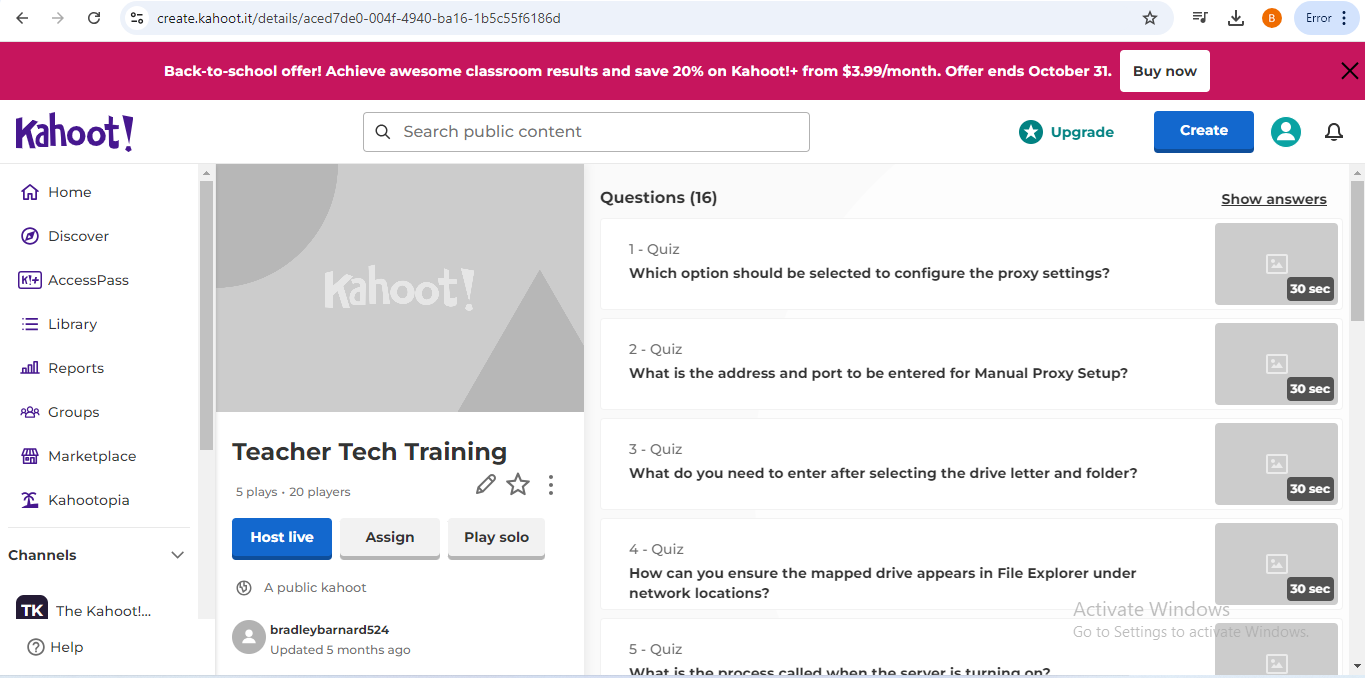
- Complete a Kahoot! and share link..
- Save screenshot of questions and link in your POE folder with the file name Kahootbadge_YournameYoursurname.pdf e.g. KahootbadgeMaggieVerster.pdf.
- Upload your screenshot and link to Kahoot! to your school (teacher) folder (ask your ITE for the POE link).
- Create a worksheet or subject related document for your DIeP lesson and add to your POE folder. (teachers)