


The BOATS powered by Tangibl app is an innovative platform designed to enhance learning in coding and robotics. It provides users with interactive tools and resources to explore programming concepts and engage in hands-on activities. With a user-friendly interface, BOATS encourages creativity and problem-solving skills, making it an ideal choice for educators and students alike. Whether you're a beginner or an advanced learner, the app offers a dynamic environment to experiment and build projects that bring coding and robotics to life.
Make sure that you upload all your Proof of Evidence (POE) to your school (G-drive) folder for us be able to officially award your badge. Ask your ITE for your folder link. Check how many of the following criteria you have already mastered! If you need assistance with any of the criteria, please book a one on one with your ITE or work through the how to tutorials for Boats.
You can now earn your GFC Global certificate in some cases. This is optional for teachers but not for learners and ITEs. It is advisable for teachers to do the certificate as proof of competency and will level you up to two stars (double badge power).
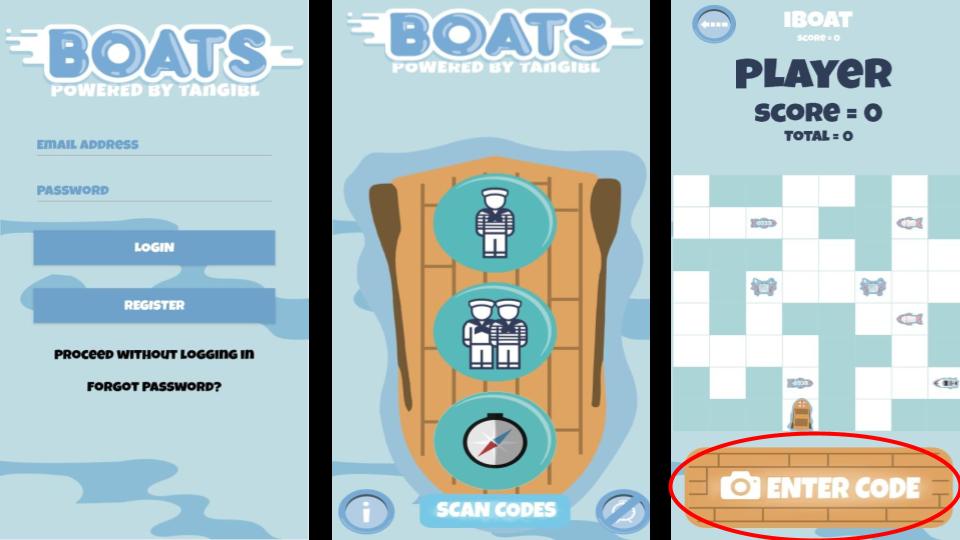
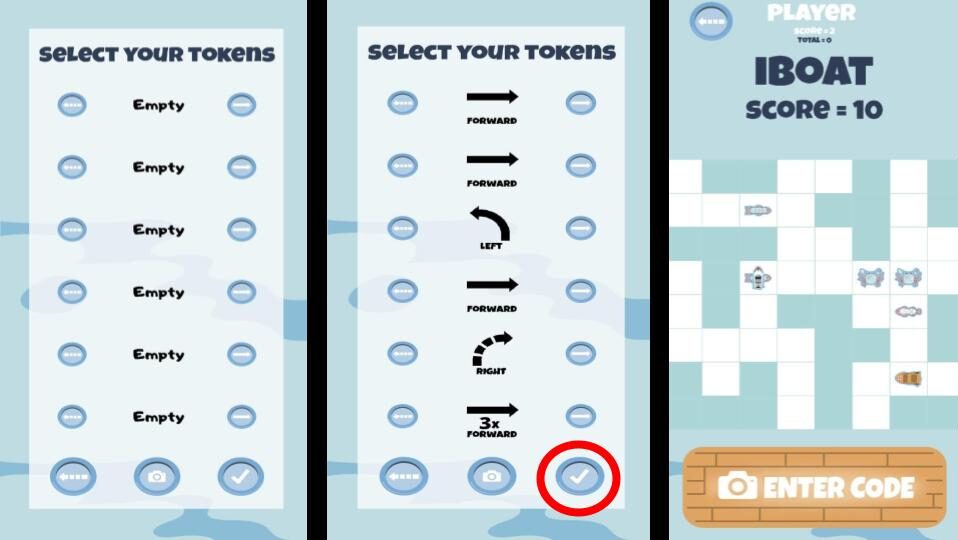
The criteria for the Boats Badge are as follows:
Please make sure that you can do ALL of the items below. If you can't do it, please ask your friendly ITE for support. You have to be able to:
- Create an account as an educator/ school.
- Create individual logins for learners (preferable if they would like to take part in challenges) or continue without logging in.
- Take screenshots of learners of scores playing against each other or against the system.
- Have you uploaded a lesson or classroom related material into your school G-drive POE folder? Then you are ready to....
Badge Activities

Activity one (ALL)
- Register for an account Creative Hut platform
- Complete the Tangible Africa Coding & Algorithms Online course. Make sure that you make notes as you go along. Watch the videos and complete the tasks within the course.
- Complete the Tangibl Africa Coding & Algorithms course assessment and download the certificate.
- Save it in your POE folder with the file name Tangiblbadge_YournameYoursurname.pdf e.g. TangiblbadgeMaggieVerster.pdf.
- Upload your certificate to your school (teacher) folder (ask your ITE for the POE link).
- Create a worksheet or subject related document for your DIeP lesson and add to your POE folder. (teachers)